Showing posts with label photography. Show all posts

Saturday, June 16, 2007

Adobe - Lightroom

Adobe - Lightroom

Every once in a while I have come across a piece of software that just does the right thing with a clear interface. Intuit's Quicken is one such example. Adobe Lightroom is a new example of such an application.

If you are just getting started in digital photography, or if you haven't noticed many differences between how you take pictures in the digital world from the film world, you probably don't even know that you need an application to do the things that Lightroom does.

Lightroom helps you follow a process or workflow -- the steps you must take after you take a digital photograph until you arrive at rendering the photograph in whatever medium (print, slideshow, web) you choose to use. You may not be aware that you are doing this, and you may not currently be doing the same set of steps every time. You should. Why? Because that is the only way you can improve your technique of going from the camera to the ultimate presentation of your photos.

Lightroom helps you follow a standard set of steps you should take with every photograph you take:
  1. Off load the pictures from your camera
  2. Catalog them according to a standard naming and filing convention.
  3. Make "mechanical" improvements to a photo such as rotation and cropping
  4. Make "subjective" improvements, such as brightness, contrast, color balancing, and a whole host of other possible picture quality improvements
  5. Allow you to add labels, titles, captions, tags to photos. Allow you to examine and compare photos and form collections of selected photos.
  6. Render a photo or collection of photos in one or more ways including prints, slide shows, and web pages.
  7. And, do this all in a completely non-destructive way to the original photo that came from your camera. This is important because mistakes do happen and you never want to modify your original.
And, finally, did I mention that Lightroom is designed to works with the thousands of photos a digital photographer finds s/he has to manage. It has been built with a lot of input from professional photographers who take and process a lot of photos. You may say, well, I am not a professional, so I don't need this. But before long, you will face the same problems that professionals face and the strategies worked out in Lightroom will support you also.

For me, Lightroom has answered a set of needs I have had for quite some time.

How much does it cost? A pretty hefty $300. But wait: are you in school or do you have a child in school? If so, you can get this for $100 through the academic discount.

Tuesday, April 17, 2007

Time Lapse Photography

YouTube - Time Lapse Video of Guy Driving Across the Country

I am about to start learning about time lapse photography. It turns out that while it used to take a lot of special purpose expensive equipment to do this, today with digital cameras and computers it is relatively easy. Now you can focus on technique rather than equipment.

Monday, April 02, 2007

Photo Technique Newsletters

I receive several excellent free digital photography newsletters:
  1. Photojojo
  2. Digital Photography School
They not only cover traditional photography techniques but also talk about unique things that you can do with digital photography as well as interesting things you can do with your pictures.


Monday, January 08, 2007

Wide Angle. Telephoto and Zoom Lenses on Digital Cameras

There is great confusion about focal lengths of lenses on digital cameras. The numbers quotes in specs for digital cameras are difficult to relate to the 35mm film camera world because if you rely on the strict measurements of focal length, then you have to take into consideration the dimensions of the digital sensor which varies from camera to camera and is almost always different than the dimensions of a 35mm film camera. Frequently you will see two numbers: one the optical zoom factor -- say 3x or 10x -- and the 35mm equivalent focal length. But to really make sure you understand your lens, you need to understand the relevant parameters that need to be considered when trying to characterize the focal length of a (zoom) lens in the digital camera world:
  1. Focal length
  2. 35mm equivalent focal length
  3. Minimum focus range
  4. Macro focus range
  5. Optical zoom
The easiest way for people to understand the focal lengths of digital cameras with their varying sensor sizes is to use what the focal length would be if the sensor was the same as on "35mm Cameras". Of course that term isn't really accurate. It really refers to "135 film" where the image dimensions (i.e., the "sensor") is 36mm x 24mm.

Monday, December 04, 2006

Digital Picture Frames

Digital Picture Frames

The web site above is a very nice survey article about digital picture frames.

For quite some time, we have had a iMac in our kitchen which we use for both a computer, but also as a digital picture frame. By using the excellent Macintosh screen saver, we get a wonderful slide slow which runs when we are not using the computer. I point the screen saver at the pictures I have taken from our latest trip.

Inspired by our kitchen display, a friend and his son built a digital picture frame out of a flat panel display and an old PC running Linux. He mounted the picture frame on the outside wall of a closet and put the computer in the closet. Unfortunately, the computer is not connected to the network and so he has to load new pictures to his frame using a CD.

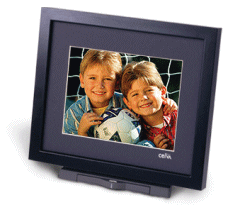
A while back, when I was trying to use gadgets to keep in contact with my aging mother, I bought a Cevia frame which was pretty cool. You subscribed to their rather expensive service and the picture frame would dial up the service each night and download pictures that you could leave for it using a web interface.

It worked quite well, but the telephone hookup was a little annoying to rely on and the web interface was a little too difficult to use very often.

Inspired by all of this, I have come back to the idea of building a large digital picture frame based on an inexpensive HDTV as the computer monitor and a small wireless PC which could be connected to via the web (or via FTP) for downloading photos or photo shows to be displayed. The parts and the software exist to build a 20x30" flat panel display which could show a continuous presentation of digital photos -- or any other type of presentation you could show on your computer monitor.

All that I need to do is to take the time to build it. More on this later...

Thursday, November 30, 2006

Amazing Hacked Photos

Worth100

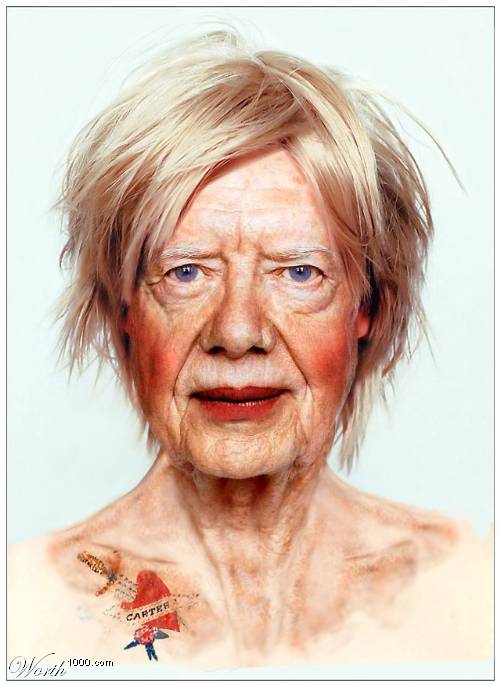
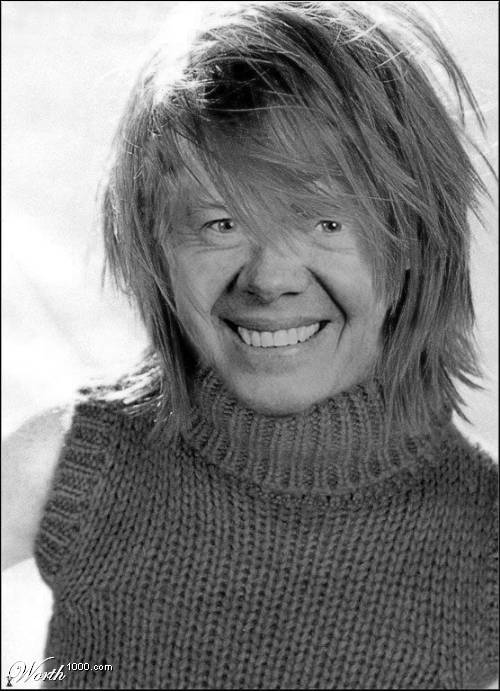
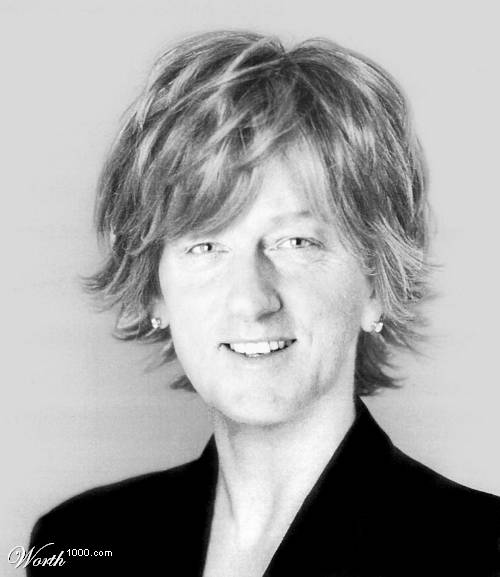
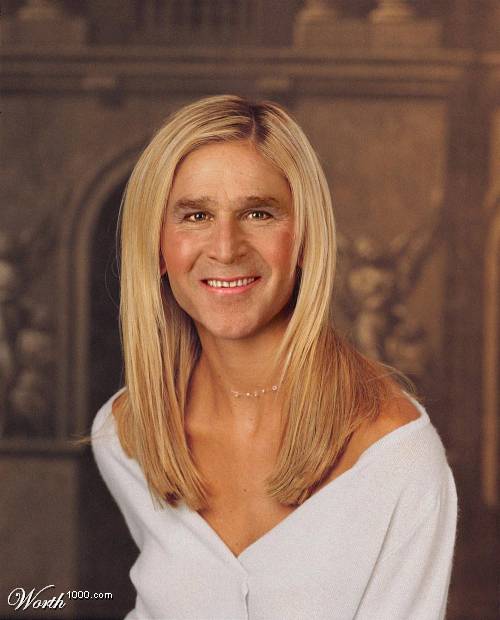
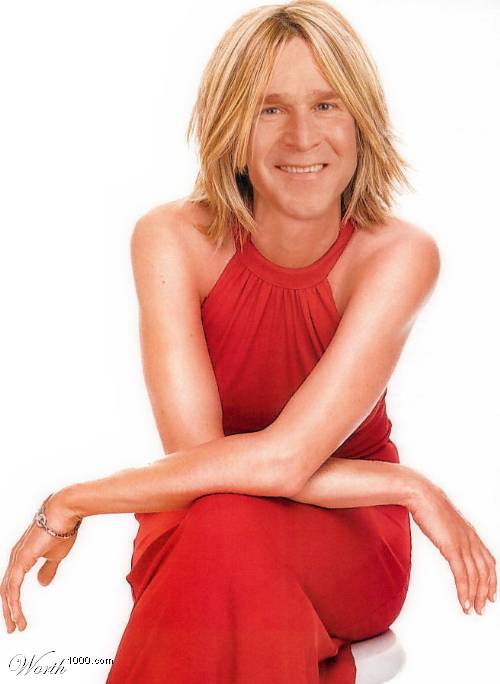
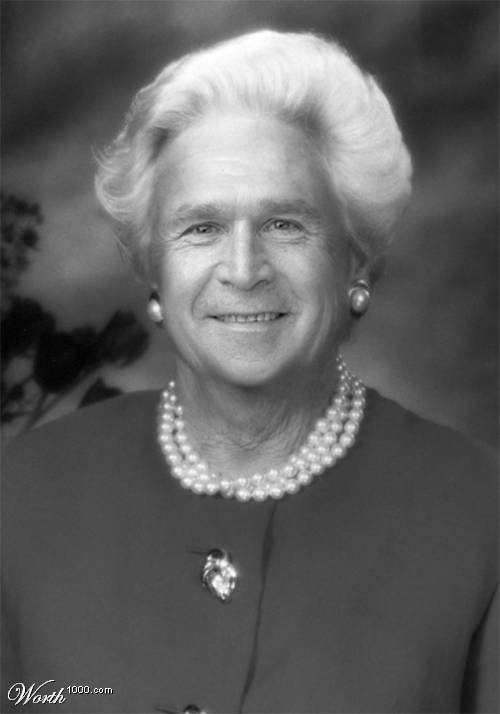
There are lots of examples of photographs that have been hacked to put the head of one person on the body of another. Usually you can tell.

Worth100 is a web site dedicated to professional artists who can do wonders with photoshop. Today I received several images, shown below that are both comical but also a testimony what you can do in this area.


Thursday, November 09, 2006

Canon SD800 IS

For a long time I have wanted to purchase a small camera I could have with me all of the time. I used to own a Canon S100, one of the first such cameras. This week, I purchased, for the same price, a Canon SD800 IS -- which is smaller, has a longer zoom, wider wide angle, image stabilization, and 7Mpixels.


It is a beautiful camera with lots of automatic features as well as the ability to control most everything manually.

Canon SD800 IS
Review
Fan Web Site
Amazon

Monday, November 06, 2006

Digital Enlargements

Printing Dogmas Graf Photography - Digital Imaging articles

Many purists say that you need an image at 300 dpi in order to print photo quality images. This guy shows that this is not necessarily true: he is shown holding a 20x30 inch print of a tiger that was printed from a 3 MPixel jpeg image.